Inform with sound and light
Sound, LED light, SOS flashing, screen light. You can choose the signal according to the situation.

In case of an emergency, take the following actions.
Notify help with sounds and lights. Check your current location. Contact your loved ones. All the tools you need in an emergency in one app.
For Android / Offline-first design
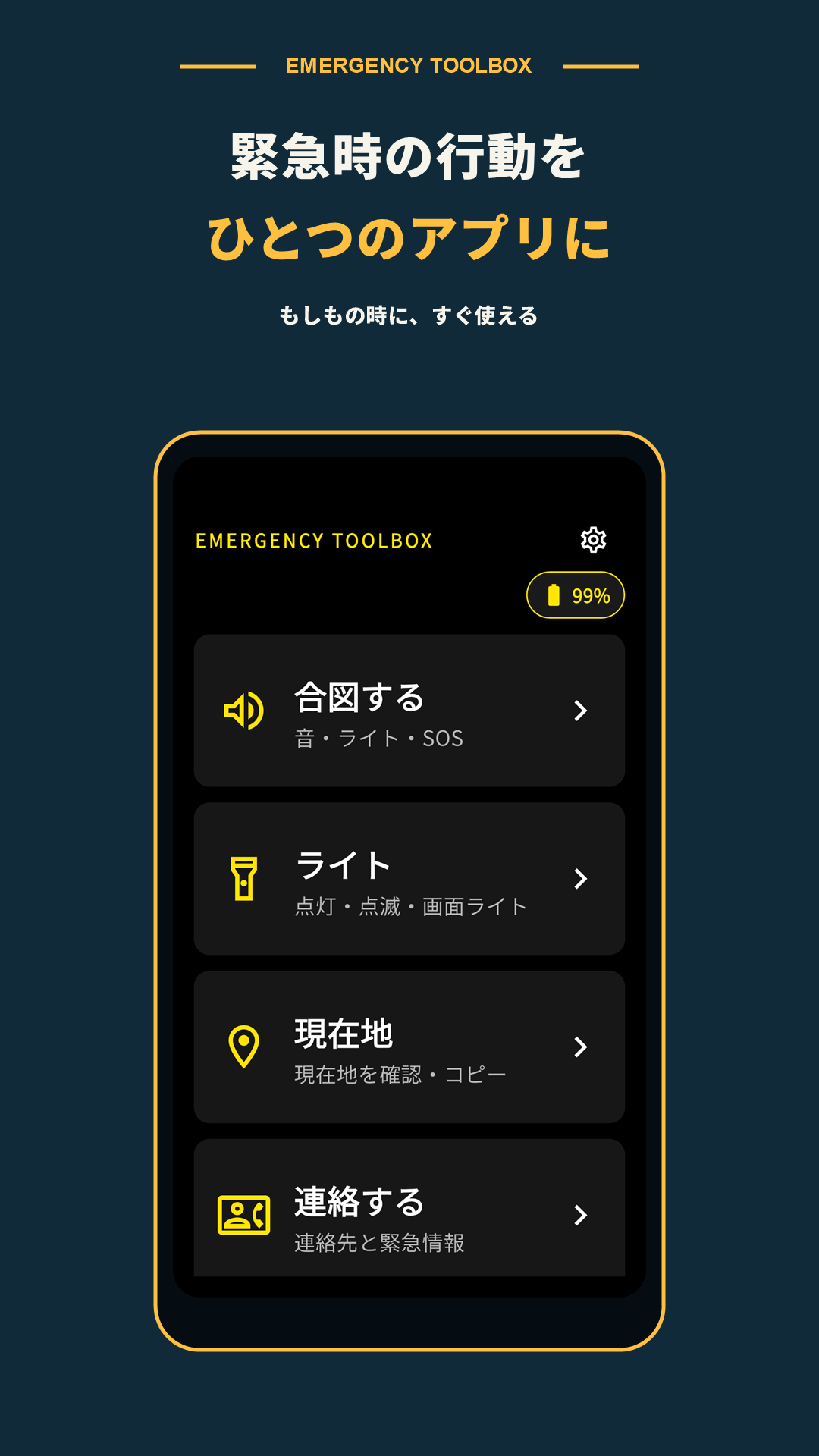
Sound, LED light, SOS flashing, screen light. You can choose the signal according to the situation.
Check and copy the coordinates of your current location and use it as a clue to tell your whereabouts.
Go to registered contacts and emergency information on your device. You can check all the information you need at once. You can also check the action flow in the event of an earthquake or tsunami.
screenshot
This screen emphasizes visibility and allows you to quickly access the functions you need.
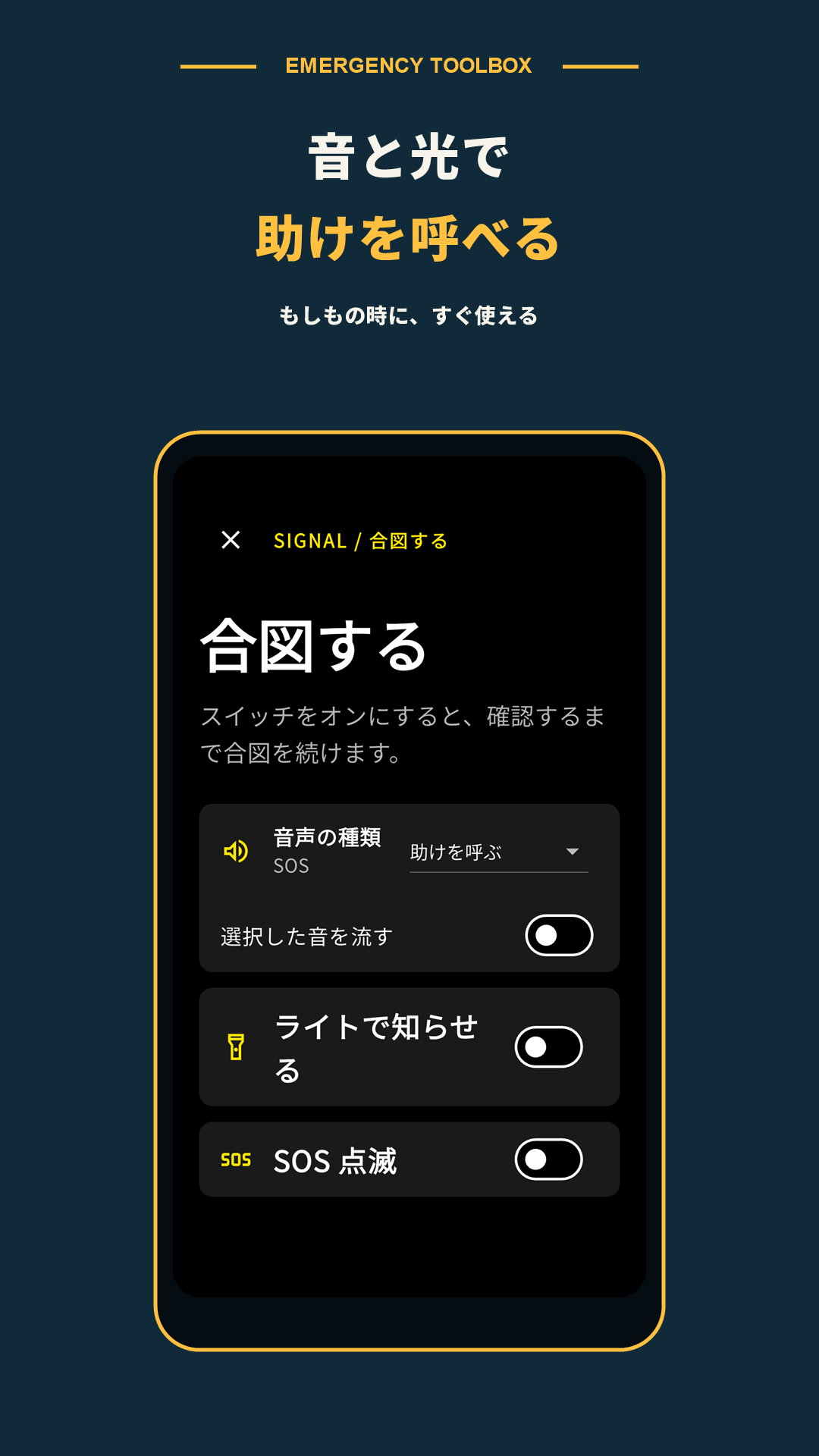
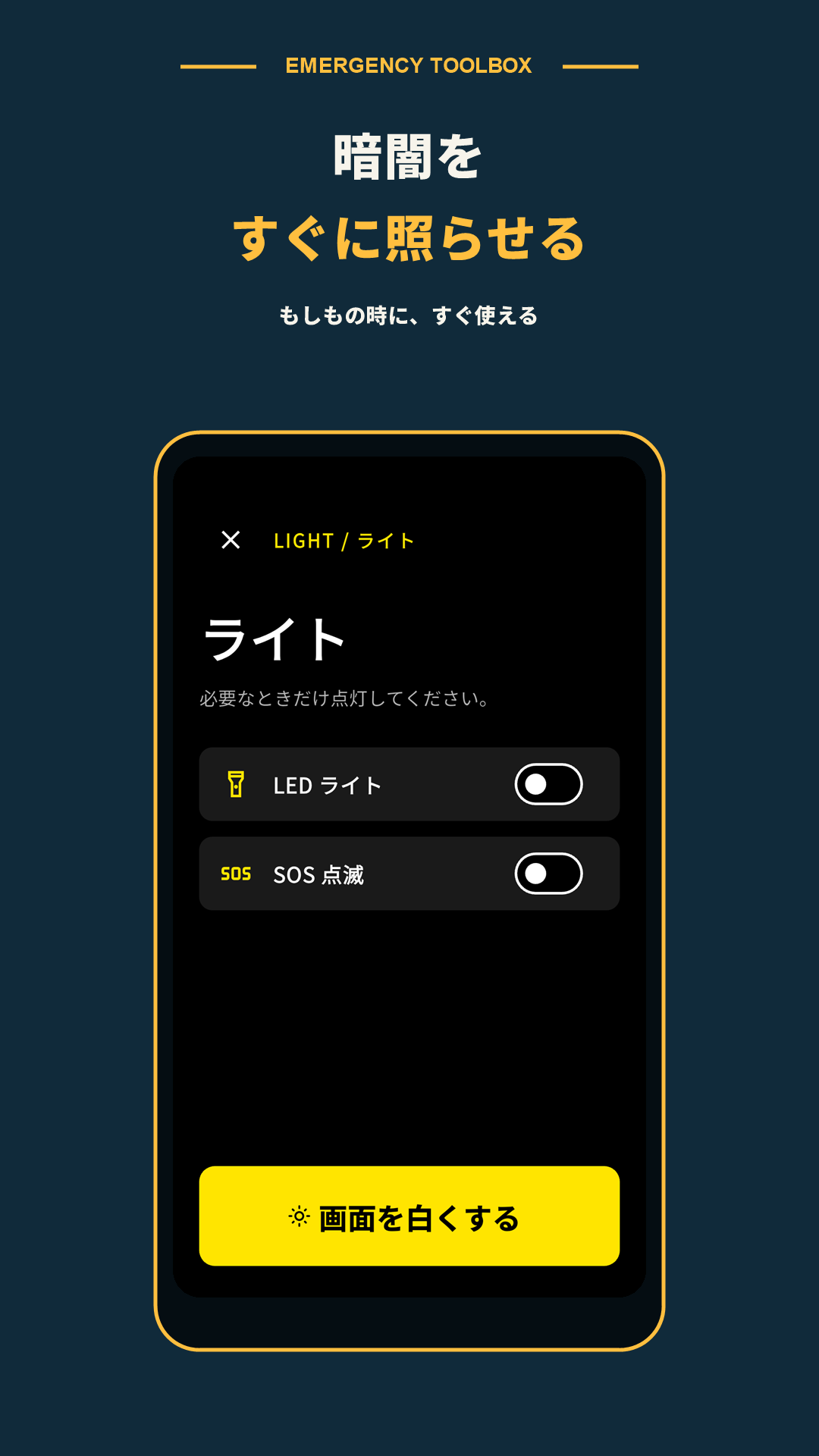
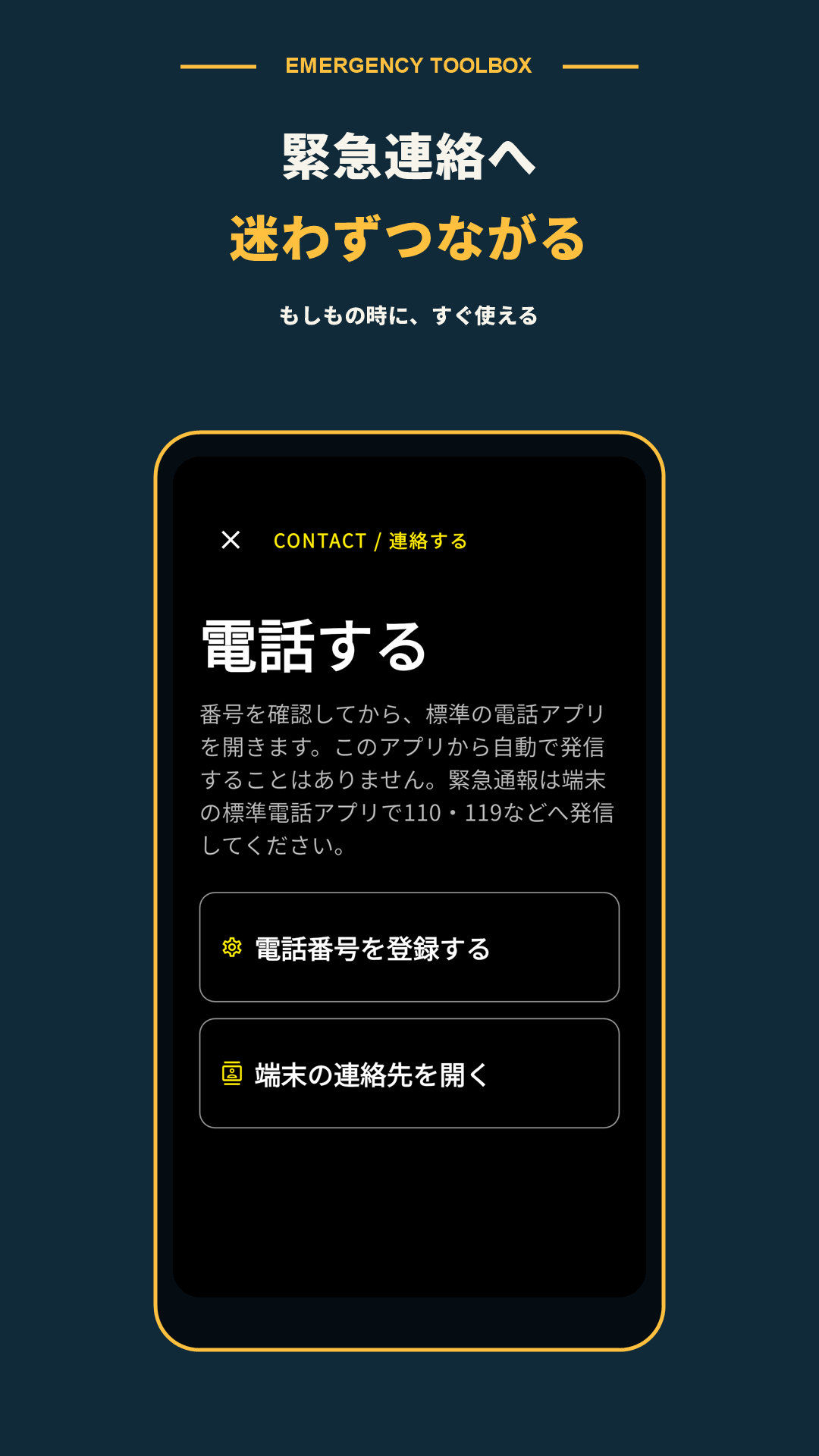
Basic tools and prepared information are available within the terminal. Some functions, such as obtaining current location, maps, phone calls, and device voice functions, require permissions, communication, and external applications.
If you are in danger, prioritize safety and instructions from public authorities over operating the app. This app is not a substitute for emergency calls or professional judgment.
Please use the dedicated support desk for EMERGENCY TOOLBOX.