
Dumb Phone
Keep your smartphone only for what you need.
Place your frequently used apps in an easy-to-find location. Arrange the home screen to your liking and look back on the time you used it. A minimalistic Android launcher that reconsiders the way you interact with your smartphone.
For Android / Minimal launcher
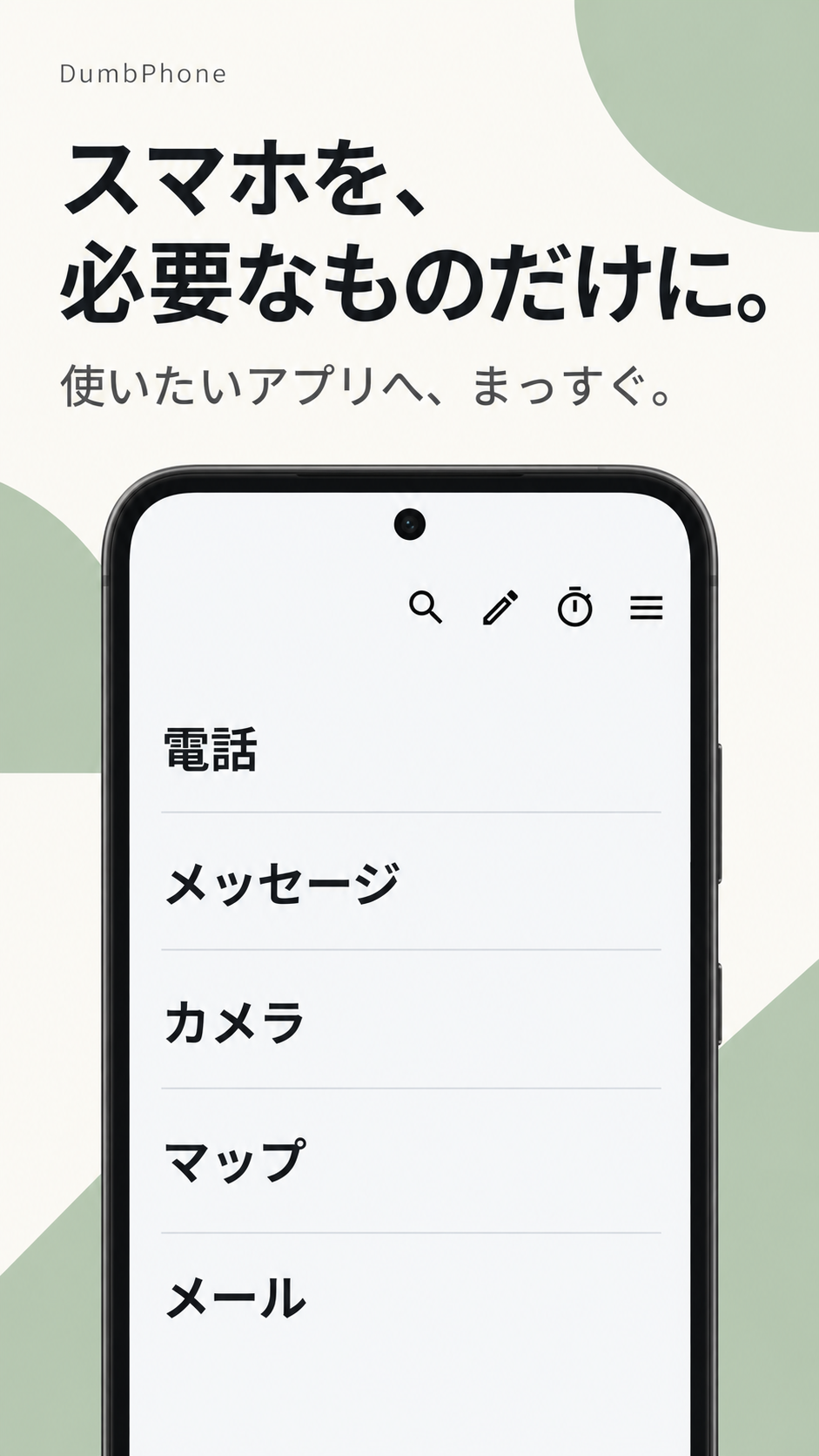
Use. Arrange. look back.
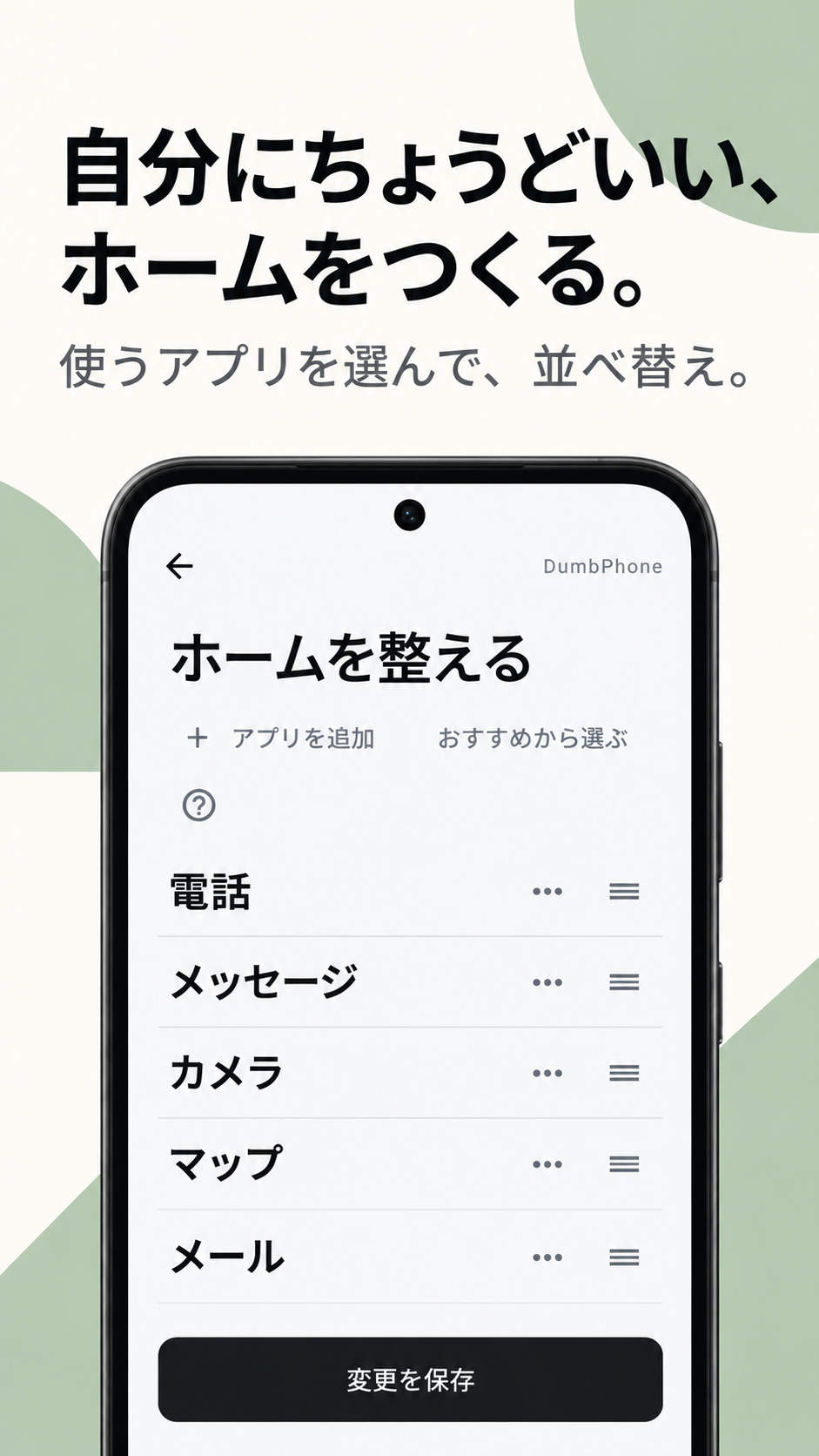
arrange the home
Create a home that is just right for you.
Sort the things you use most in the order of ease of use. On the "Arrange your home" screen, you can review the displayed apps and their order at once.
- Choose an app to useSelect an app to put on your home page from ``Add an app'' or ``Select from recommendations.''
- Arrange in a convenient orderUse the handles on the right side of the app to adjust the sorting order.
- Save changesWhen you're done, click "Save changes." It will be reflected on your home screen.
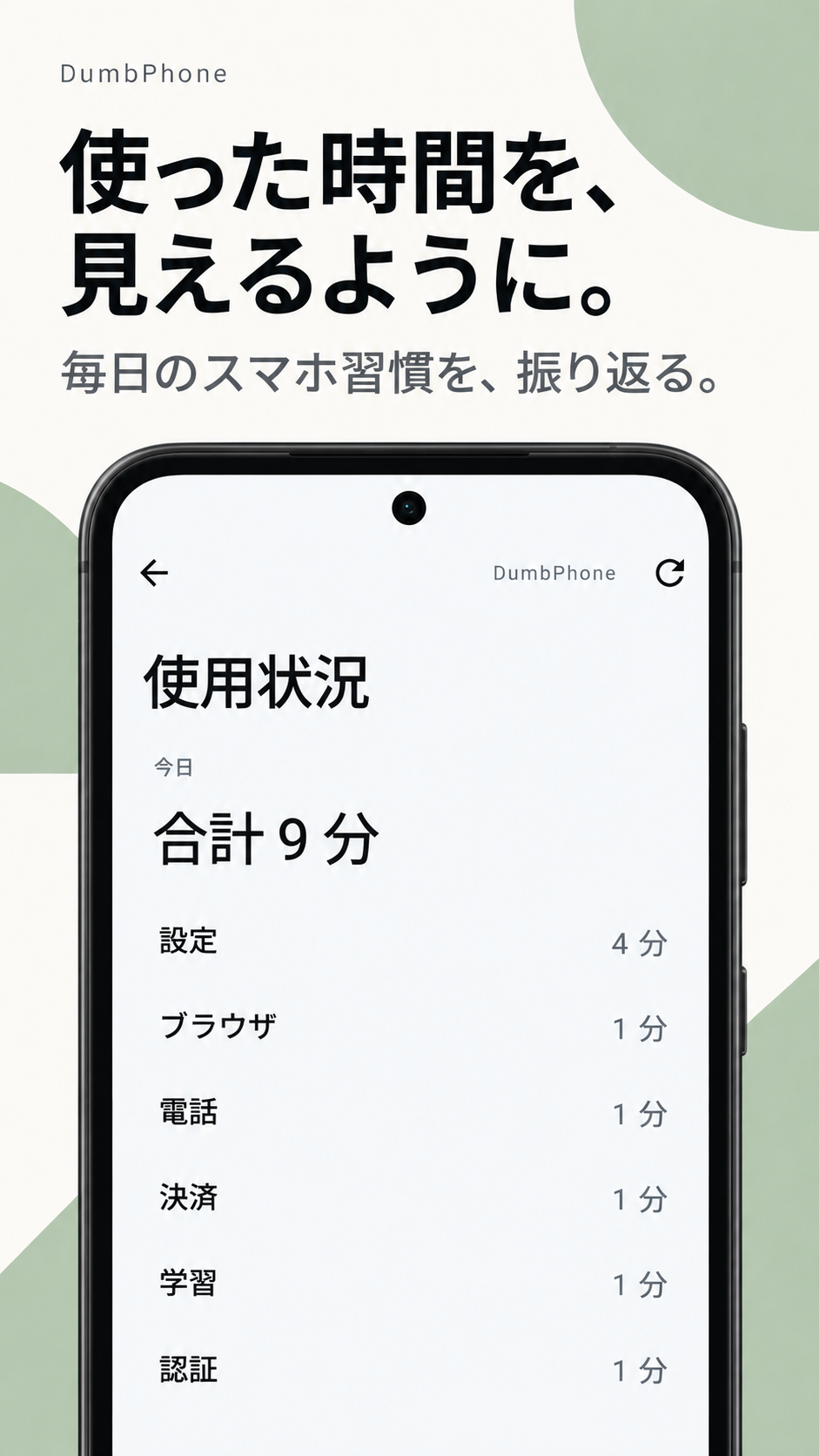
Today's smartphone usage status
So that you can see the time you spent.
What did you spend your time on and how much time did you spend on it? You can check today's usage status on one screen and look back on your daily smartphone habits.
- Check today's total
- You can track the total amount of time you spend on your smartphone.
- View time by app
- You can check which apps you used and how much from the list.
Go to the home screen that suits you.
You can view Dumb Phone on Google Play.
Questions and bug reports regarding the app
Please use Dumb Phone's dedicated support desk.